
Control Cockpit

Let’s Customize Your Order Live!

Because our professional AV, cinema, and automation systems often require precise technical configurations and specialized handling, we manage all orders personally via WhatsApp.

How it works:

  • 💬 Confirm Details: A technical expert will instantly verify your product specifications.

  • 🚚 Arrange Delivery: We’ll calculate the safest, fastest shipping options for your location.

  • 💳 Secure Payment: You will receive a private, secure payment link right inside the chat.

👉 Tap Here to Chat & Complete Order

Everything under control – digitize your AV management workflow with our free and easy-to-use software.

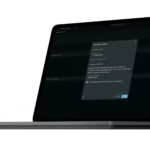
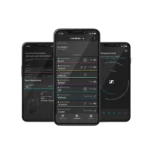
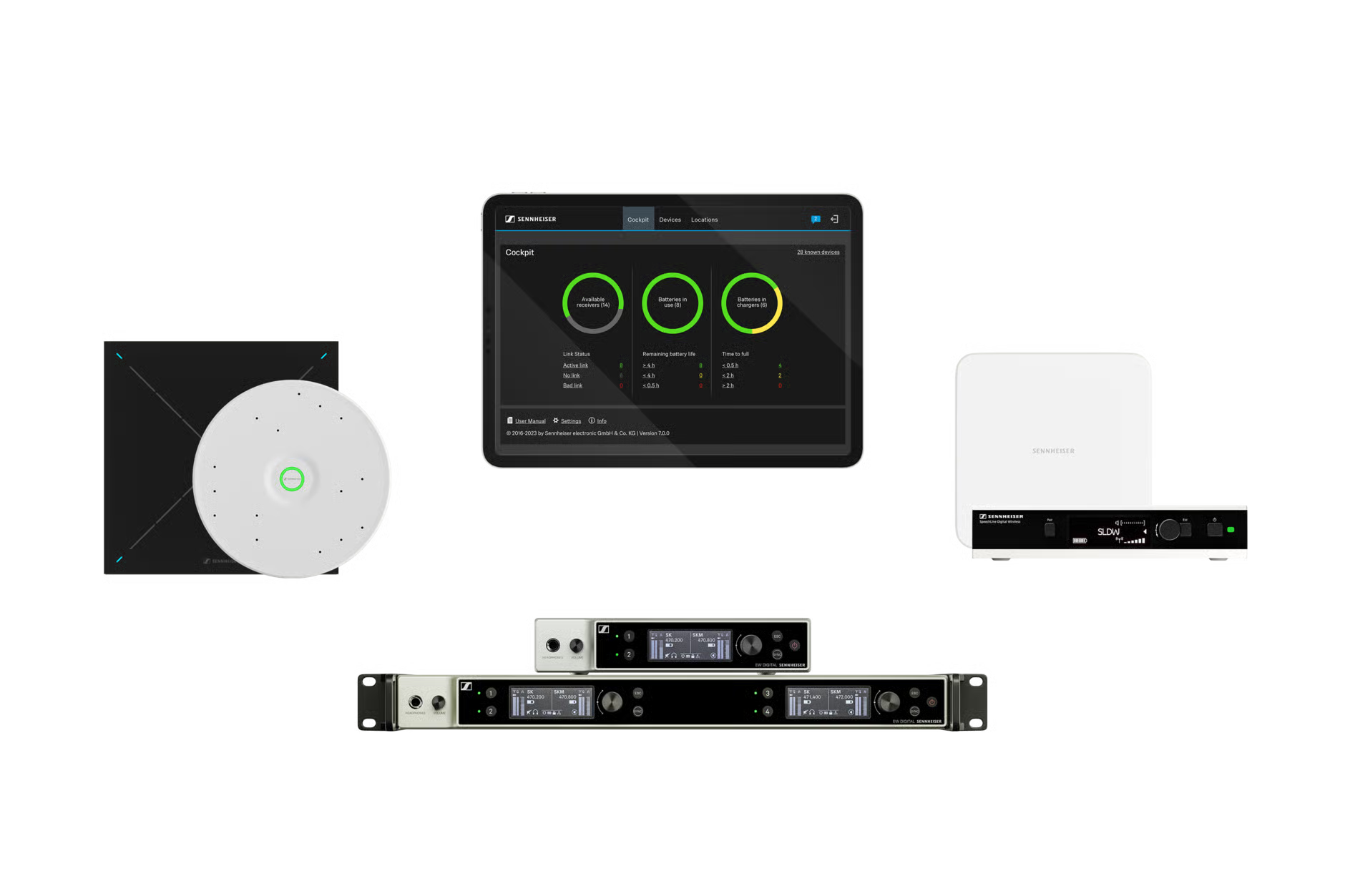
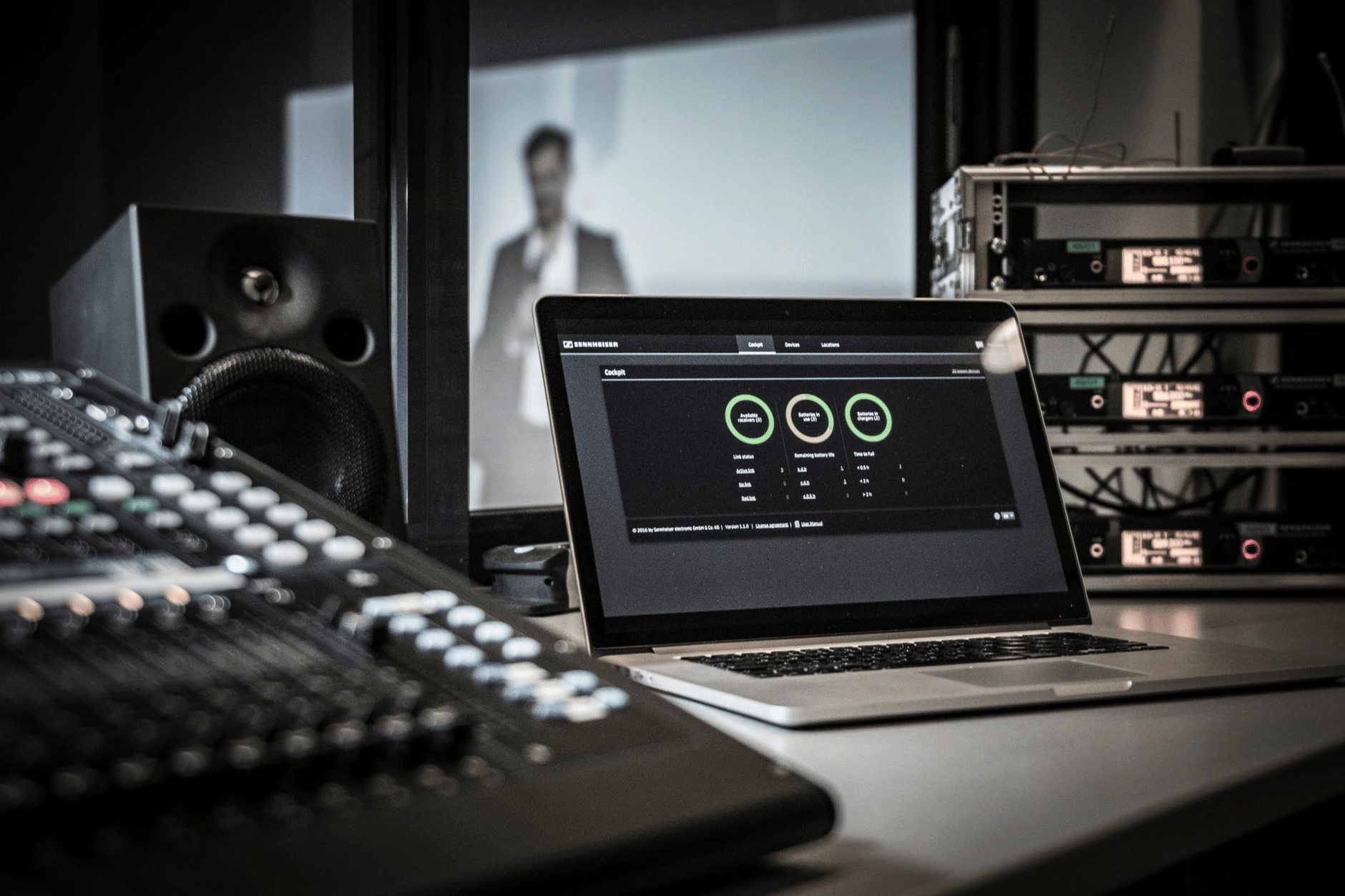
Sennheiser Control Cockpit is the central software for easy set-up, control and maintenance of the entire SpeechLine Digital Wireless and EW-DX portfolio, the TeamConnect Ceiling 2 , the new TeamConnect Ceiling M microphone and the TC Bars.

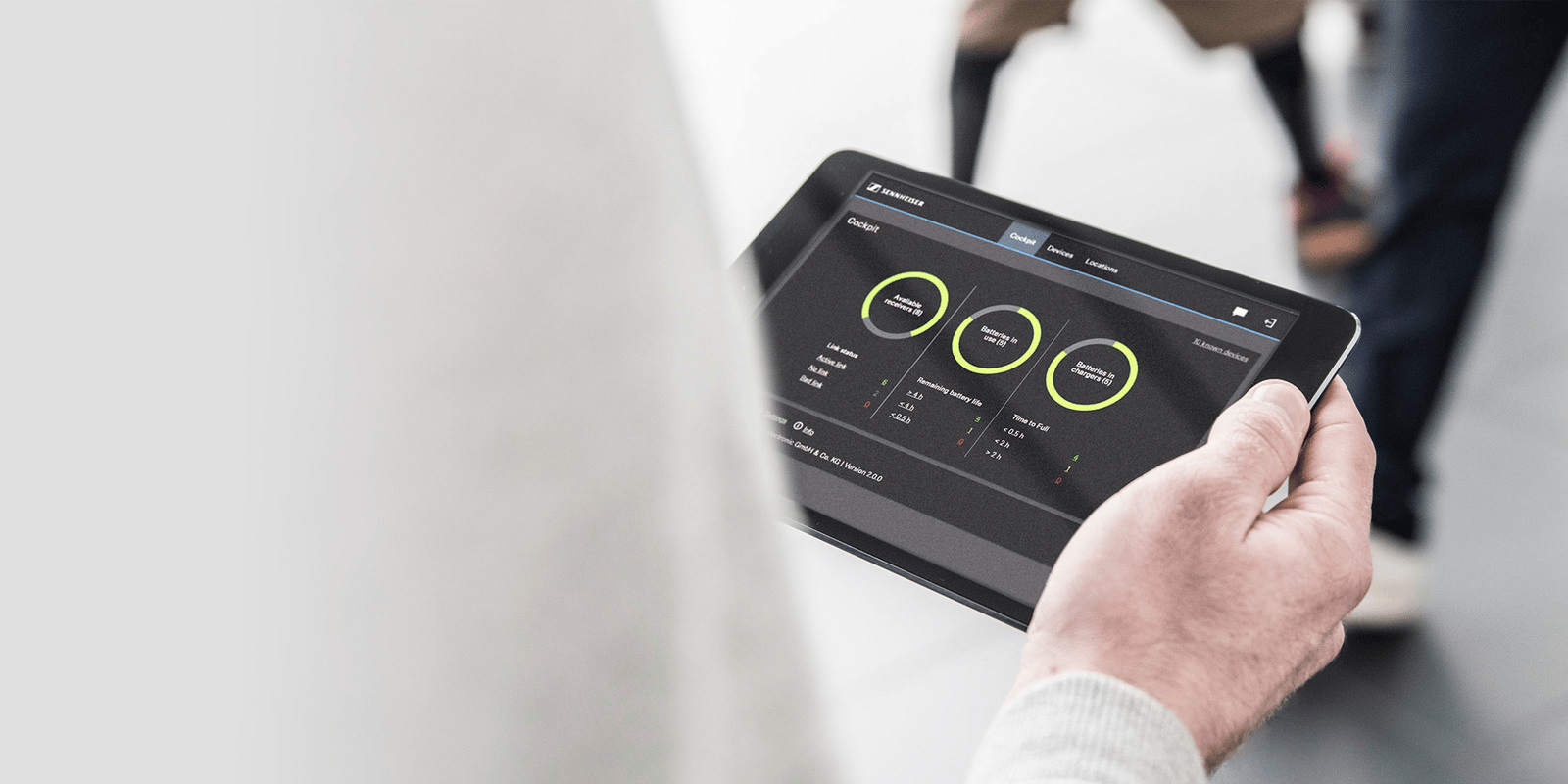
The easy-to-use Sennheiser Control Cockpit gives you a comprehensive overview of your network-enabled Sennheiser devices. It presents status information at a glance and allows you to make adjustments for one or multiple devices simultaneously with ease.

Recently added EW-DX features

Source

Device Claiming & Password Protection

Secure your devices by claiming ownership, configuring a device password and preventing unauthorized access to ensure full control over your networked devices.

Source

Encrypted Control Communication

Protect your devices with end-to-end encryption using the Sennheiser Sound Control Protocol, ensuring secure HTTPS control and seamless integration across IT environments.

Source

Secure & Legacy 3rd Party API Support

Integrate with 3rd-party systems securely. APIs are disabled by default and require explicit user authorization using Control Cockpit, offering flexible and safe integration based on your workflow needs. A legacy API is made available for hassle-free interoperability.
Your new digital workflow

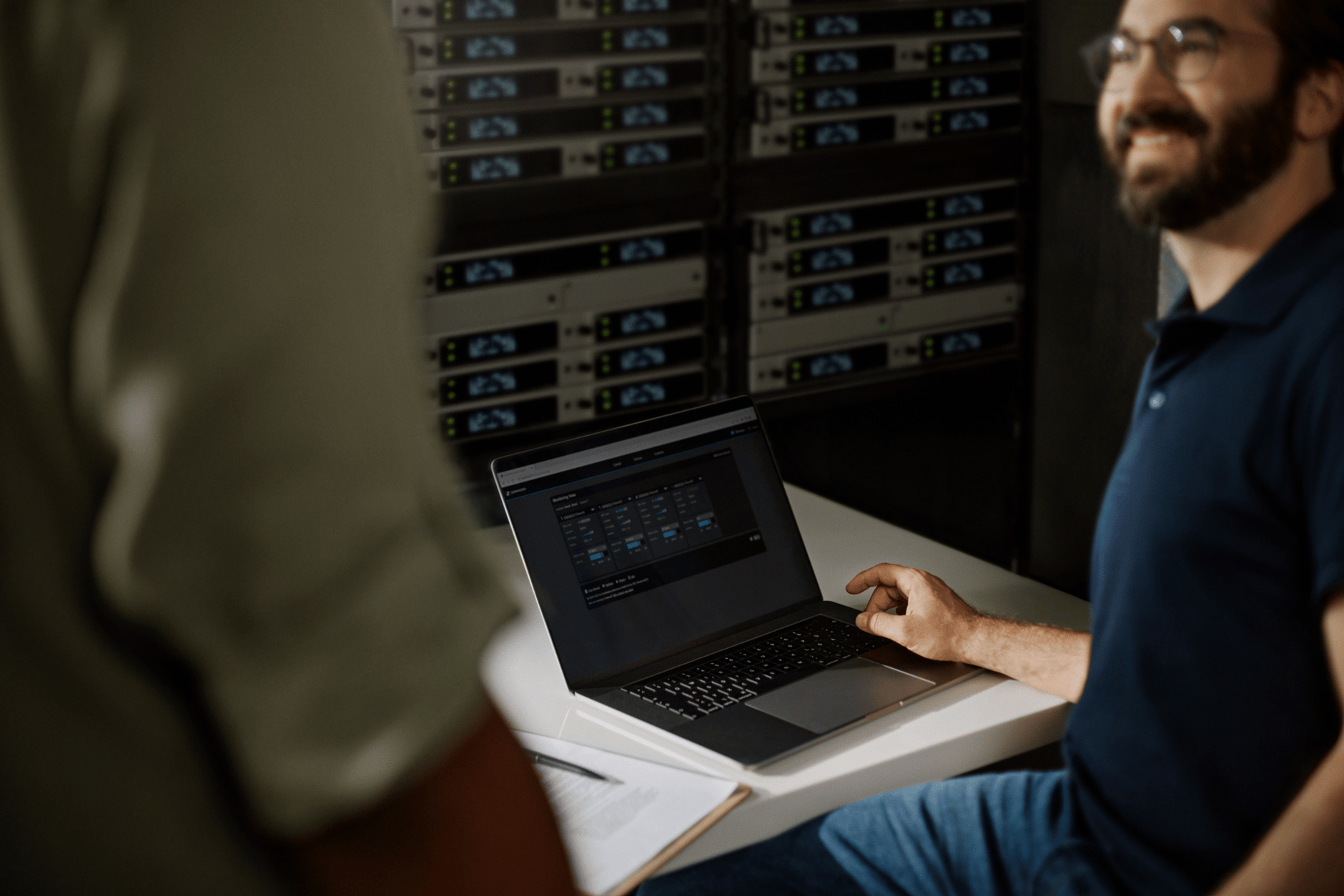
Man using laptop to configure Sennheiser audio equipment in server room.

Setup

  • Device discovery & device management
  • Initial device configuration
  • Notification Services
  • Setup & security settings
Laptop displaying monitoring control software in a professional audio setup.

Monitoring and Control

  • Battery status monitoring
  • Oversight of battery charging progress
  • Device identification
  • Device search and filtering
  • Remote control of device settings
  • Wireless microphone pairing
Person using a tablet to control audio settings during a presentation.

Maintenance

  • Email & on-screen notification of software and firmware updates and system alerts
  • Batch update of multiple devices
  • Battery health indication and count of charging cycles
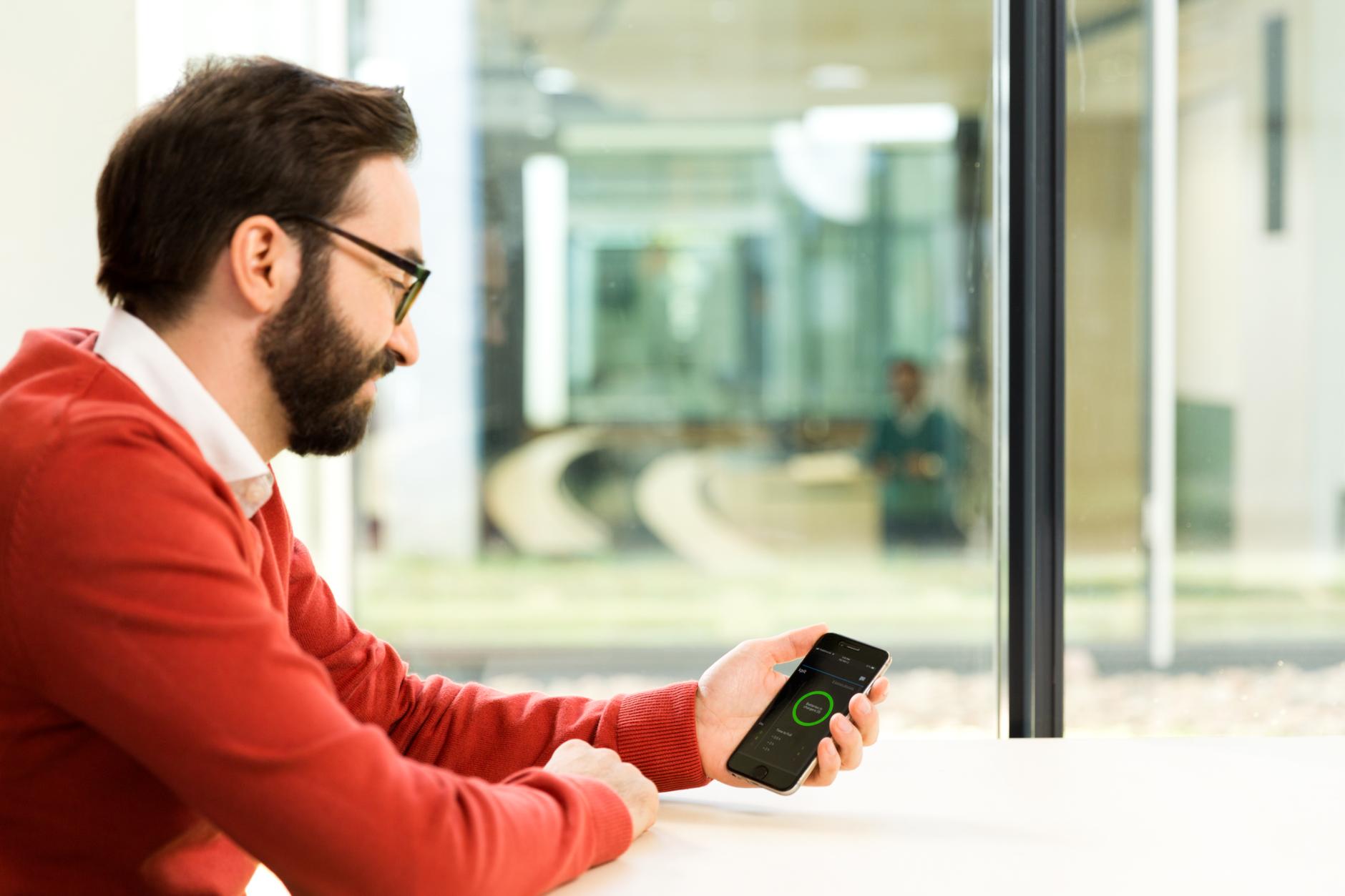
Man using Sennheiser mobile app on smartphone in modern office.

Assistance

  • Pre-emptive alerts via email and SMS
  • Ability to provide remote user support
  • Remotely pair microphones
0 reviews
0
0
0
0
0

There are no reviews yet.

Be the first to review “Control Cockpit”

Your email address will not be published. Required fields are marked *

You have to be logged in to be able to add photos to your review.